How to Optimize Database Access in EF Core Applications

Introduction

Database performance is vital to the success of any application that is being used today. An application that may have been designed in a good manner can still become inefficient due to the way database access is done. As applications scale, inefficient queries, excessive database calls, and poorly optimized databases can affect performance greatly.

When you are dealing with a .NET application development company, it becomes important to optimize the process of database access, which is essential for building fast and scalable systems. Efficient databases will play an important role in ensuring your application is performing well.

Why Database Optimization Matters in EF Core

Entity Framework Core makes use of object relational mapping for easier database transactions. However, inappropriate implementation may result in severe performance issues.

The applications that have been developed by an ASP.NET development company usually involve lots of data manipulation, multiple simultaneous users, and sophisticated queries. In such cases, non-optimized database transactions tend to become slow as the number of requests increases.

Optimization of database transactions allows an application to:

  • Minimize time spent on performing operations
  • Improve scalability
  • Lower server workload
  • Provide a better experience for end-users


For any ASP.NET development company, database optimization is a key part of building reliable enterprise applications.

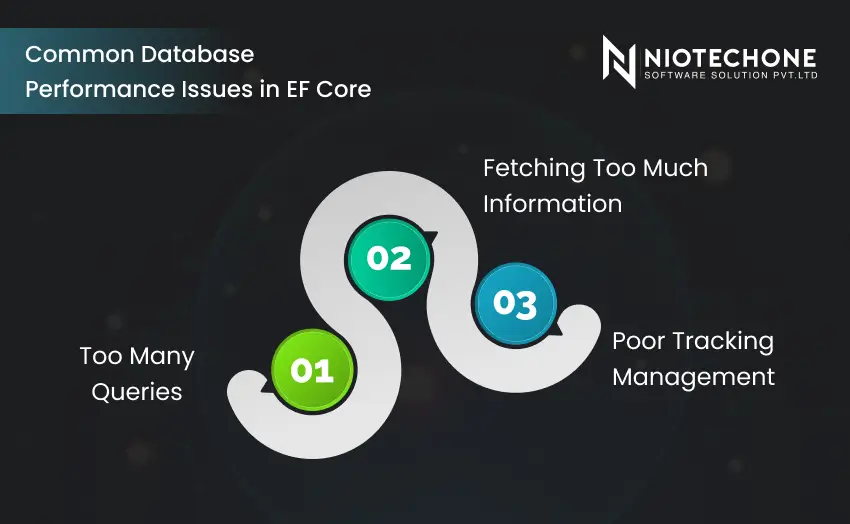
Diagram illustrating common EF Core database performance problems such as excessive queries, over-fetching data, and poor tracking management.

Common Database Performance Issues in EF Core

Too Many Queries

Another very popular mistake among developers is that too many unnecessary queries to the database are generated.

For instance, fetching related information not in the proper way may result in the creation of multiple queries instead of a single one. This may become a major problem for an application developed at a .NET development company.

Fetching Too Much Information

Accessing whole tables or fetching large datasets while only a few attributes are needed results in memory wasting and poor performance.

The team of a professional ASP.NET Core development company should always concentrate on getting only the necessary information from the database.

Poor Tracking Management

By default, EF Core automatically tracks changes in entities, requiring more processing and consuming extra resources.

In read-only queries, tracking is not needed at all and can reduce performance in large-scale applications.

Best Practices to Optimize Database Access in EF Core

Enable AsNoTracking When Reading Data

Disabling tracking can boost the performance of read queries significantly when no updates are required.

Why It Makes Sense

  • Minimized memory usage
  • Improved performance of queries
  • Optimized read-heavy applications


Modern ASP.NET development companies frequently use this approach to manage large-scale applications efficiently.

Select Necessary Columns Instead of Entire Entities

Fetching the full entity is not always required, so developers should opt for fetching only the necessary columns.

Reasons for Doing So

  • Increased speed of queries
  • Decreased memory usage
  • API performance improvements


Projections are popular in applications developed by an ASP.NET development company for communicating with databases.

Implement Appropriate Indexing

Indexing is one of the top methods for optimizing queries in the database.

It allows databases to quickly locate required data and is very helpful for working with high-load applications managed by a .NET development company.

Areas Suitable for Indexing

  • Frequently searched columns
  • Foreign keys
  • Sorting and filtering columns


Avoid N+1 Query Problem

The N+1 queries occur when an application loads some data by executing extra queries.

Including related objects by using Include() reduces the number of database calls and enhances the performance of queries.

For enterprise applications developed by an ASP.NET Core development company, solving N+1 problems is crucial for the scalability of enterprise applications

Utilize Pagination When Working With a Lot of Data

Processing hundreds or thousands of records at one time can make the system slow.

Pagination restricts the number of rows processed each time, resulting in efficient performance.

Benefits of Pagination

  • Improved response times for APIs
  • Decreased memory usage
  • Enhanced user experience
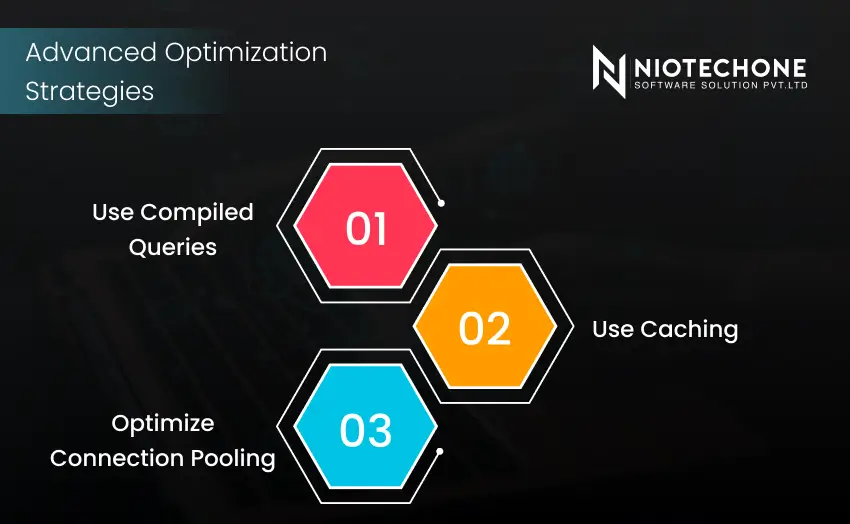
Infographic presenting advanced EF Core optimization techniques including compiled queries, caching, and connection pooling.

Advanced Optimization Strategies

Use Compiled Queries

The use of compiled queries enhances the performance by decreasing parsing cost when executing queries against the database.

This practice will be highly helpful for applications developed by a .NET Core software development company.

Use Caching

Caching data that is used regularly saves the need to access the database again and increases the speed of your application.

Such applications, which include EF Core as well as in-memory or Redis caching, can be created by an ASP.NET development company.

Optimize Connection Pooling

Optimizing the process of connections to the database improves the application’s capacity to cope with increased traffic.

Connection pooling plays a key role for enterprise platforms developed by a Microsoft .NET development company.

Common Mistakes Developers Should Avoid

Unnecessary Loading of Complete Entities

Loading unnecessary columns leads to increased execution times and the consumption of more memory.

Ignoring the Monitoring of Databases

The lack of monitoring means that performance issues will stay undetected until the system slows down significantly.

Overusing Lazy Loading

There is a risk that lazy loading might make unnecessary calls to the database.

Improper Querying Design

Problems with poorly designed queries might negatively impact the database’s performance and scalability.

How Database Optimization Impacts Business Performance

Optimized data retrieval not only enhances system efficiency but also has a direct impact on business success.

Increased Application Performance

Users demand an immediate reaction from applications, particularly during peak times.

Decreased Operational Expenses

The cost of operating IT systems is lowered and reduces server load by optimizing queries.

Scalability Enhancement

The ability of applications to deal with increased traffic is more effective without major performance issues.

Better User Experience

Fast and responsive applications that perform well enhance user engagement and customer satisfaction.

Conclusion

Database access optimization in EF Core applications is necessary for developing scalable and efficient systems. Every optimization process, such as query optimization, indexing, and caching, plays a significant role in ensuring better performance of the application.

Businesses that have chosen to work with a professional and reliable .NET development service such as Niotechone Software Solution Pvt. Ltd. will benefit from optimization for both current demands and future growth.

Frequently Asked Questions FAQs

Database optimization improves performance, scalability, and application responsiveness while reducing server load.

AsNoTracking disables entity tracking for read-only queries, improving query execution speed and memory efficiency.

Pagination limits the amount of data loaded at once, reducing memory usage and improving response times.

Yes, caching reduces repeated database calls and helps applications respond faster.

Optimized applications perform better, scale efficiently, and provide a smoother user experience for customers.