
AI in .NET 10: Microsoft.Extensions.AI + ML.NET Guide
- Niotechone Marketing Team
Introduction
Artificial Intelligence (AI) is transforming application development — and with .NET 10, Microsoft has made AI integration even simpler. The introduction of Microsoft.Extensions.AI and the evolution of ML.NET tools to build smart, data‑driven, and adaptive apps using .NET tools.
Whether you are a member of a .NET development company, an ASP.NET Core development company, or are looking to hire .NET developers, it’s important to know how AI relates to .NET 10 to stay competitive in 2026.
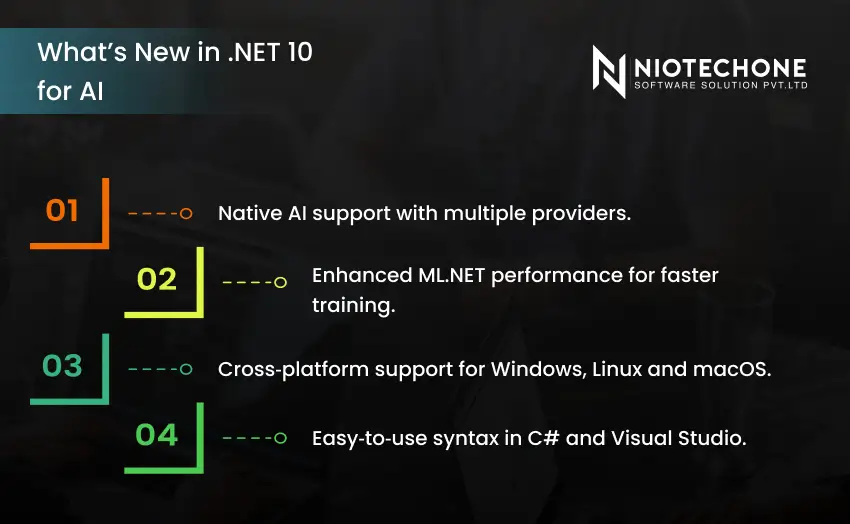
What’s New in .NET 10 for AI
.NET 10 introduces Microsoft.Extensions.AI, a consistent way to integrate AI models, services, and tools into your .NET applications. Combined with the ML.NET ecosystem, developers can now create, train, and deploy machine learning models.
Key Highlights:
- Native AI support with multiple providers.
- Enhanced ML.NET performance for faster training.
- Cross‑platform support for Windows, Linux, and macOS.
- Easy‑to‑use syntax in C# and Visual Studio.
This eliminates the need for developers to work with different frameworks and languages. From predictive analytics to generative AI, it can all be done within .NET 10, making it a comprehensive platform for building apps.
Understanding Microsoft.Extensions.AI
Microsoft.Extensions.AI is a new library that makes it easy to integrate AI into your code, just like logging or configuration in .NET. It offers a unified interface for connecting AI models, prompts and responses.
Core Features:
- Consistent AI interface across providers.
- Prompt management for reusable tasks.
- Dependency injection support.
- Streaming responses for large outputs.
Example: Integrating AI into an ASP.NET Core App
builder.Services.AddAIClient(options =>
{
    options.UseAzureOpenAI("https://api.openai.azure.com/", "your-api-key");
});

var app = builder.Build();

app.MapGet("/ask", async (IAIClient aiClient, string question) =>
{
    var response = await aiClient.GetResponseAsync(question);
    return response;
});
This is a simple example of how you can integrate an AI model into your web app using dependency injection – no complicated configuration.
ML.NET: Machine Learning Made Easy
ML.NET is Microsoft’s open‑source machine learning framework for .NET developers. It allows you to train, evaluate, and deploy models using C# or F# without needing Python or R.
Why ML.NET Matters
- No external dependencies — everything runs inside .NET.
- Custom model training for classification, regression, and forecasting.
- Integration with Microsoft.Extensions.AI for hybrid AI solutions.
- Support for ONNX models to import pre‑trained AI models.
Example: Predicting Sales
var context = new MLContext();
var data = context.Data.LoadFromTextFile("sales.csv", hasHeader: true, separatorChar: ',');

var pipeline = context.Transforms.Concatenate("Features", "Month", "MarketingSpend")
    .Append(context.Regression.Trainers.Sdca());

var model = pipeline.Fit(data);

var prediction = model.CreatePredictionEngine(context)
    .Predict(new SalesData { Month = 5, MarketingSpend = 10000 });

Console.WriteLine($"Predicted Sales: {prediction.SalesAmount}");
This simple example demonstrates how ML.NET can predict future sales based on historical data — a common use case for business applications.
Real‑World Applications of AI in .NET 10
1. FinTech
AI in .NET 10 helps financial companies improve security and customer experience. ML.NET-based fraud models can detect suspicious transactions, and Microsoft.Extensions.Chatbots help customers navigate banking services. Predictive analytics also improve loan risk assessment and credit scoring – making it essential for any .NET Core development company in finance.
2. Healthcare IT
AI‑powered predictions and automation in healthcare. ML.NET regression models predict patient outcomes, and AI assistants interpret medical images. Smart chatbots are also used by hospitals to book appointments and respond to patient questions. A Microsoft .NET development company developing healthcare IT solutions can use these tools for better patient care.
3. E‑Commerce
E-commerce sites leverage AI for personalisation and efficiency. ML.NET recommendation engines recommend products based on browsing history, and dynamic pricing algorithms set prices in real time. Customer support chatbots powered by Microsoft.Extensions.AI improve response times and satisfaction. This is a common use case for an ASP.NET development company that provides e‑commerce solutions.
4. Enterprise SaaS
AI helps SaaS companies scale and be productive. Document management systems use AI to categorise and summarise documents, while ML.NET models forecast sales or churn. Smart search assistants with Extensions.AI assist users in searching for information using natural language. A .NET application development company can build enterprise‑class SaaS solutions with these capabilities.
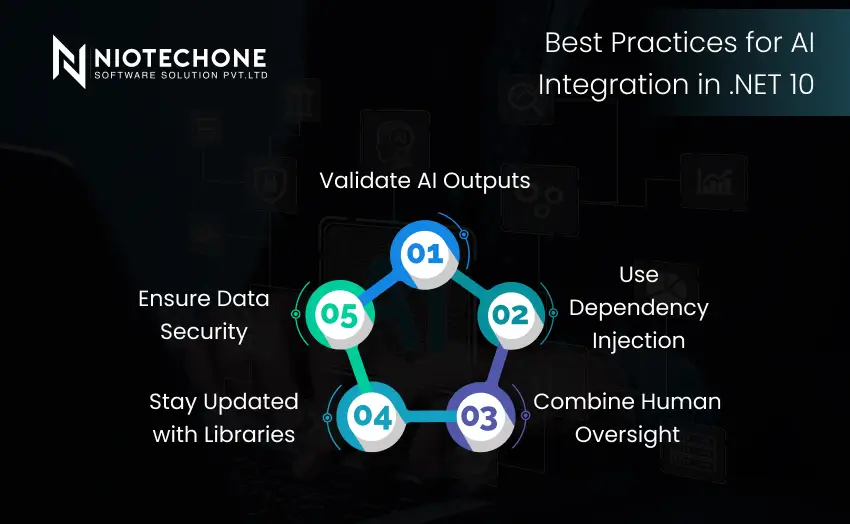
Best Practices for AI Integration in .NET 10
Validate AI Outputs
AI predictions can be wrong. Test predictions against actual data before using them in production.
Use Dependency Injection
Register AI services through the .NET dependency injection framework. This simplifies architecture and allows for easy provider swapping.
Combine Human Oversight
AI should complement human decision‑making. In critical sectors such as health or finance, human experts should scrutinise AI‑produced insights.
Stay Updated with Libraries
Both ML.NET and Microsoft.Extensions.AI evolve quickly. They improve performance, security, and add new features.
Ensure Data Security
AI models can use sensitive information. Use encryption, adhere to regulations, and limit access to safeguard privacy.
Challenges Developers Face in AI Integration
Model Accuracy
Training data is crucial for AI models. Inaccurate data preparation can result in poor predictions, so data preprocessing and validation are crucial.
Performance Optimization
Large AI models can slow down applications. Programmers need to trade off speed and accuracy by streamlining processes and using smaller models.
Ethical Considerations
Biased data can be harmful in inequitable outcomes. Programmers should watch for biases in data and use AI ethically in production.
Cost Management
AI services in the cloud can be costly. Businesses should track usage, use caching, and consider cost‑efficient deployment options.
Conclusion
AI in .NET 10 is a big step. With Microsoft.Extensions.AI simplifying integration and ML.NET with robust machine learning capabilities, developers can create smarter apps more efficiently. Whether you work for a Microsoft .NET development company, an ASP.NET Core development company, or are considering .NET development services, embracing AI in .NET 10 guarantees intelligent, scalable, and future-proof applications.
Categories
Related Articles

Related Tags
Frequently Asked Questions FAQs
It’s a new library that simplifies connecting AI models and services directly into .NET applications.
ML.NET focuses on machine learning (predictive analytics), while Microsoft.Extensions.AI handles generative AI and model integration.
Yes, combining them allows hybrid AI solutions — predictive + generative intelligence.
FinTech, healthcare, e‑commerce, and enterprise SaaS are leading adopters.










