
Notion AI - The Smart Assistant That Does the Work for You
- Niotechone Marketing Team
Introduction
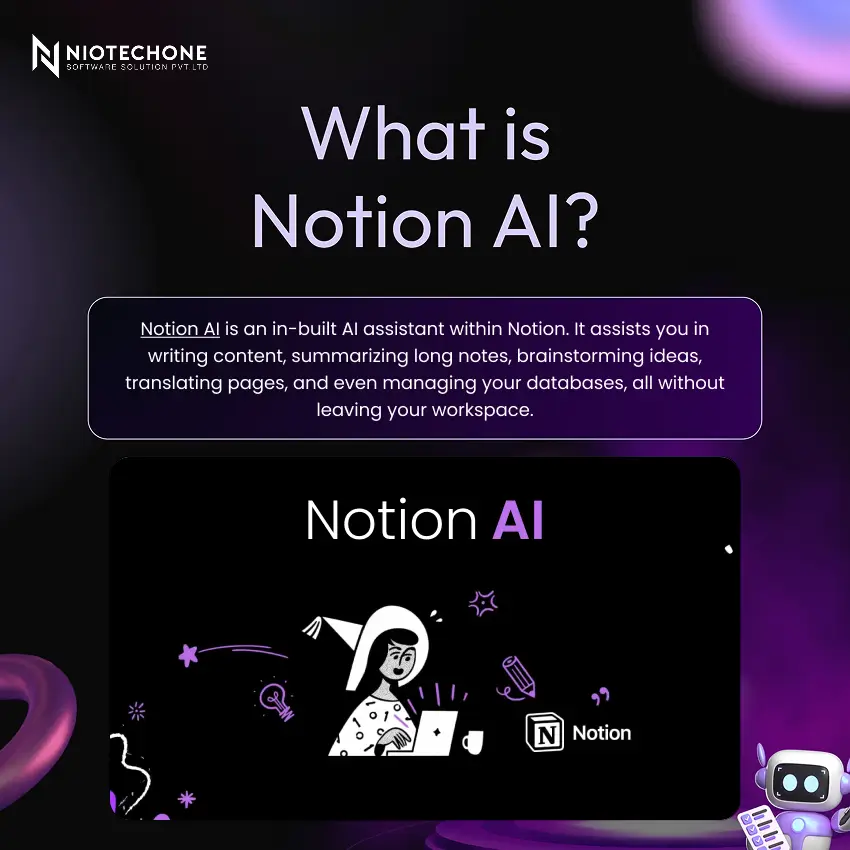
You are already aware of how powerful Notion is in terms of organizing tasks, notes, and projects, in case you use it at work. But Notion AI goes a step further – it introduces an intelligent assistant right into your workspace, which writes, summarizes, and thinks with you. No additional equipment, no tab-switching. Simply smarter work, right where you are.
Key Features
- Content Generation:- Write emails, reports, and blog posts in seconds by simply typing a prompt.
- Summarization:- Paste any long document and receive a clean and short summary immediately.
- Brainstorming:- Have you run out of ideas? Notion AI creates alternatives and solutions for you.
- Meeting Notes:- It automatically transcribes and summarizes your meetings, so you do not need to.
- Translation:- Translate any page to various languages without a dedicated tool.
- Database Assistance:- It will automatically fill in your database fields and reveal insights about your data without any human effort.
- Workspace Search:- Not able to find something? It searches across your entire workspace and pulls up the exact information you need in seconds.
How It Works
It is easy to use. Click on type a or highlight any existing text, and the AI will produce a response within seconds. You check the output, edit where necessary, and proceed. The entire process is natural since it happens within the tool that you use daily
How It Helps You
- Save Time :- Activities such as writing summaries or writing reports that previously took an hour can now be completed in seconds.
- Increase Productivity :- It helps you to keep your work organized and structured to ensure that you remain focused and on track during the day.
- Make Things More Creative :- When you get stuck, Notion AI will propose new ideas and content enhancements to keep the process going.
- Streamline Teamwork :- It summarizes important details to the entire team to ensure that everyone is on track without lengthy back-and-forth discussions.
Why You Should Use It
It save hours of manual work per week. Activities such as writing meeting summaries, writing reports, or brainstorming content ideas that previously took 30-60 minutes now take less than a minute. It is the simplest productivity upgrade you can have at the moment, in case you are already a user of Notion.
Conclusion
It is not just a feature — it actually transforms the speed and quality of your work. It eliminates the repetitive parts of your workflow, whether you work alone or in a team, to get down to the business of work that matters. If you haven’t tried it yet, now is a good time to start.
Categories
Related Articles
Related Tags
Frequently Asked Questions FAQs
It is not completely free. It is available as an add-on and requires a separate subscription on top of your existing Notion plan.
No, you don’t need to install anything. It is built directly into Notion and can be enabled from your workspace settings.
It supports multiple languages, including English, Hindi, Spanish, French, German, Japanese, and more.
Both tools serve different purposes. ChatGPT is a standalone AI tool, while Notion AI works inside your workspace and understands your content, making it more convenient for Notion users.
Yes, Notion AI works across shared workspaces, making it useful for team collaboration, meeting notes, and group projects.










