

DevOps Pipeline Setup Guide for Small Teams
- Niotechone Marketing Team
Introduction
The current software development is no longer about writing code. It is concerned with the provision of dependable software in a timely, secure, and dependable manner. It is at this point that a decent DevOps pipeline configuration is necessary, even in small teams.
In small teams, it is easy to get overwhelmed by the manual release management. Late deliveries, unreliable deployments, and last-minute solutions slow down growth and add stress. A properly organized DevOps process assists teams in automating repetitive processes, enhancing software quality, and having better control of releases.
Companies that engage a custom software development company in India tend to embrace DevOps at an early stage to remain competitive, lower costs, and scale at a rapid pace without the need to increase the complexity of operations.
What Is a DevOps Pipeline?
A DevOps pipeline is a formal process that transfers code between development and production in a dependable and automated manner. The pipeline does not rely on manual operations, but rather all code changes are subjected to the same quality and security checks before release. This uniformity is particularly useful in small teams that are time-bound.
On a high level, a DevOps pipeline typically consists of a small number of interconnected steps that are automated:
- Version control and code integration.
- Automated build and testing
- Staging or production deployment.
- Observation and feedback gathering.
One stage supports another, and it forms a seamless delivery cycle. A CI/CD pipeline can be used together with small teams to release updates more quickly and minimize the risk of errors.
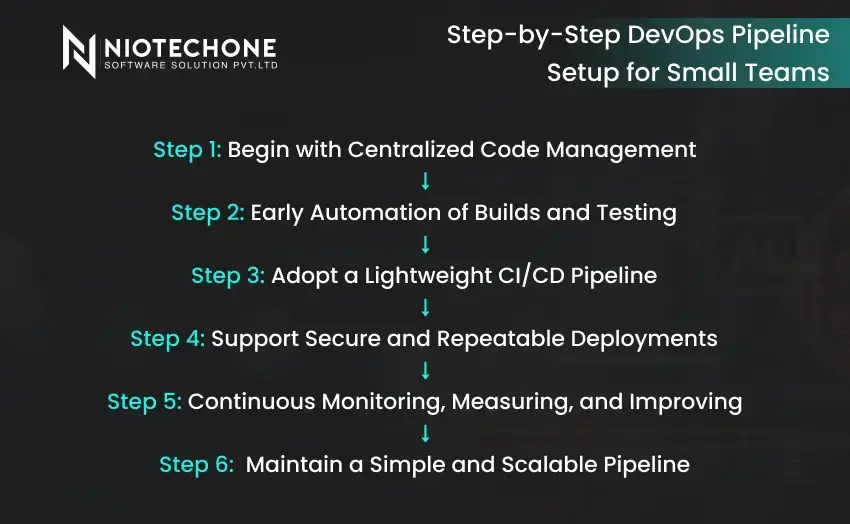
Step-by-Step DevOps Pipeline Setup for Small Teams
1: Begin with Centralized Code Management
A common code repository ensures that the team is on track and prevents version conflicts. It is the basis of any DevOps pipeline configuration and helps to accelerate the cooperation in Agile development settings.
2: Early Automation of Builds and Testing
Small teams can use automated build and test processes to identify problems immediately after code is committed. This is necessary to ensure quality in bespoke software development and minimize bugs in production at the last minute.
3: Adopt a Lightweight CI/CD Pipeline
A basic CI/CD pipeline provides seamless code integration and stable releases. Small teams enjoy reduced manual processes and predictable deployments, particularly in the management of cloud-based development processes.
4: Support Secure and Repeatable Deployments
Automated deployments minimize human error and facilitate secure software deployment. The teams that develop the Azure cloud applications in Rajkot usually use scripted releases to ensure consistency in the environments.
5: Continuous Monitoring, Measuring, and Improving
Monitoring pipeline performance assists teams in improving their small team’s DevOps strategy. Long-term scalability and stability are supported by monitoring builds, deployments, and application health.
6: Maintain a Simple and Scalable Pipeline
Small teams should not be concerned with complex tooling, but rather with tools that expand with them. This is effective in the case of enterprise mobility software solutions and changing business requirements.
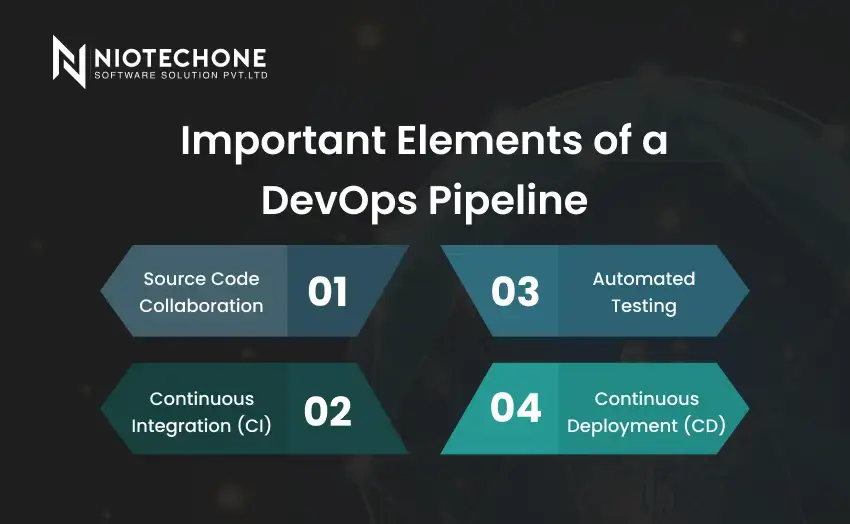
Important Elements of a DevOps Pipeline
1. Source Code Collaboration
All DevOps pipelines begin with a common codebase in which developers collaborate without conflicts. A central repository maintains the organization of changes and facilitates quicker collaboration in contemporary software development.
2. Continuous Integration (CI)
Whenever changes are made, code is automatically built and tested. This assists teams in detecting issues early and ensuring consistent quality of the application without halting development.
3. Automated Testing
Testing is not a manual process but a process that is run in the pipeline. It guarantees that new updates will not disrupt the existing features and allows the development of custom software to be reliable.
4. Continuous Deployment (CD)
After code passes testing, it flows easily to staging or production environments. Automated releases minimize errors and ensure that software deployment is more predictable and quicker.
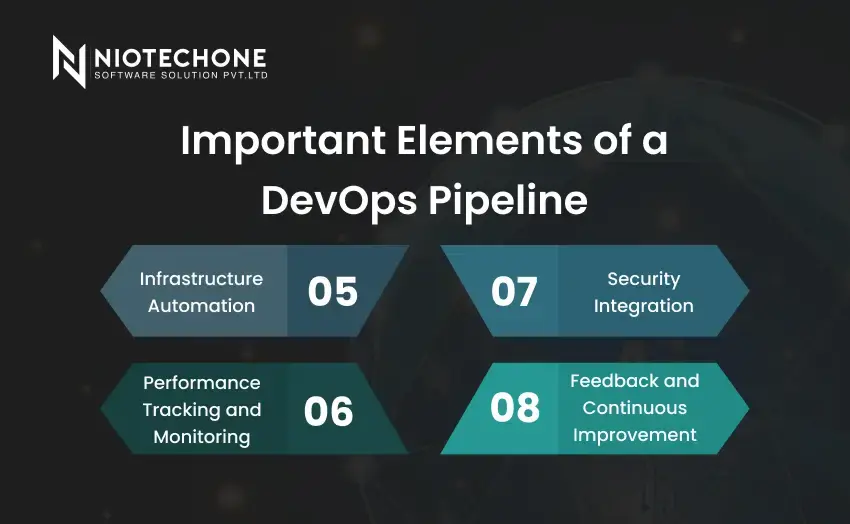
5. Infrastructure Automation
Automation is used to manage servers, environments, and configurations rather than being done manually. This is particularly applicable in scalable systems and cloud-based development.
6. Performance Tracking and Monitoring
After deployment, applications are constantly monitored. Monitoring assists teams in identifying problems early and enhances system reliability in the long run.
7. Security Integration
Each stage of the pipeline is constructed with security checks. This guarantees safer releases and helps meet compliance requirements without slackening development.
8. Feedback and Continuous Improvement
Live feedback enables teams to optimize processes and enhance subsequent releases. This aspect maintains the DevOps pipeline lean and business-oriented.
Small Teams: Common Mistakes to Avoid
The implementation of DevOps may fail when teams hurry the process or omit significant practices. The same mistakes are made by many small teams, and this decreases the advantages of automation.
Some common issues include:
- Skipping proper planning before development
- Unclear goals and changing requirements
- Relying on manual builds and deployments
- Ignoring automated testing in the early stages
- Delaying bug fixes until production
- Overloading team members with multiple roles
- Lack of ownership and accountability
These errors can be avoided to ensure that teams have a clean, efficient, and scalable DevOps workflow at the beginning.
Conclusion
DevOps is not a technical practice, but a business enabler. In small teams, a formal DevOps pipeline implementation enhances efficiency, security, and scalability without introducing complexity that is not necessary.
Through automation, cloud-based development, and secure deployment practices, teams can concentrate on innovation rather than operational issues. The collaboration with seasoned partners also enhances this base.
Early adoption of DevOps means that small teams are ready to grow, adapt to market needs, and achieve long-term success in modern software development.
Categories
Related Articles

Frequently Asked Questions FAQs
A DevOps pipeline is an automated system that moves code through development to deployment in a regular manner.
Yes, DevOps can assist small teams to work more quickly, minimize errors, and release efficiently.
Initial installation may require several weeks, depending on the complexity of the application and the level of automation.
Although optional, cloud platforms make automation, scalability, and monitoring much easier.
Security checks are incorporated in every stage, detecting problems at an early stage and minimizing risks.










