
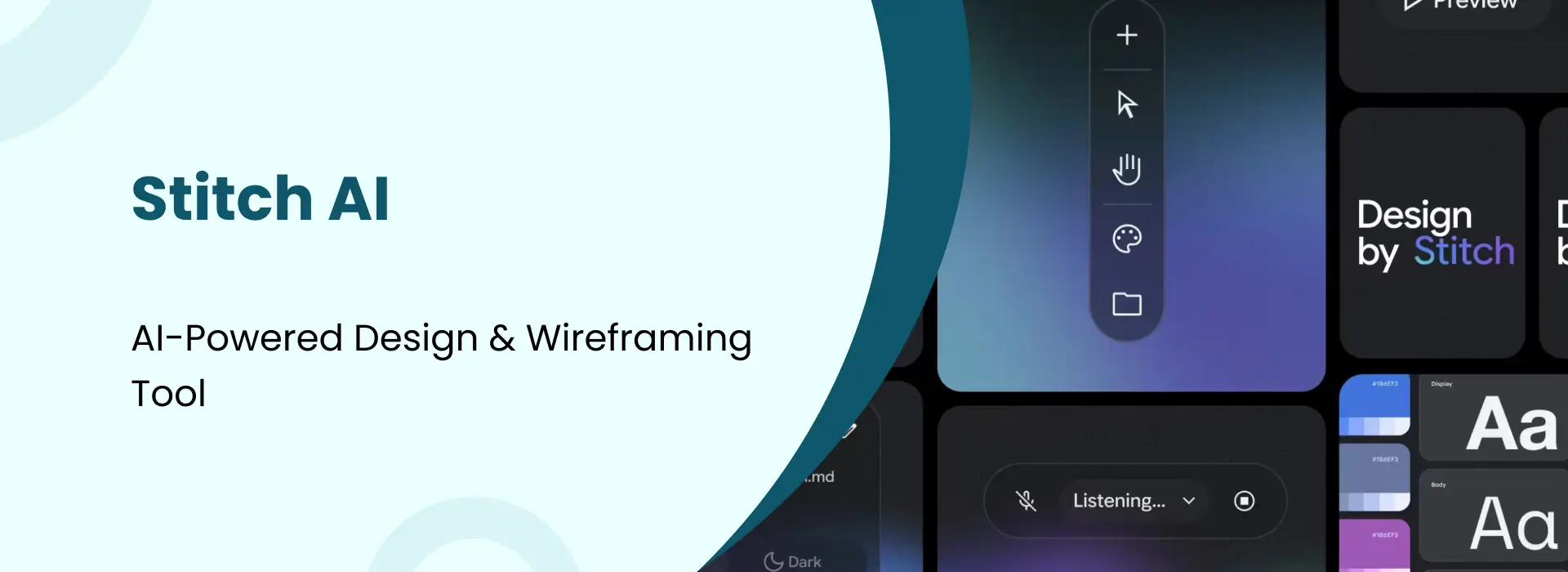
Stitch AI: AI-Powered Design & Wireframing Tool
- Niotechone Marketing Team
Introduction
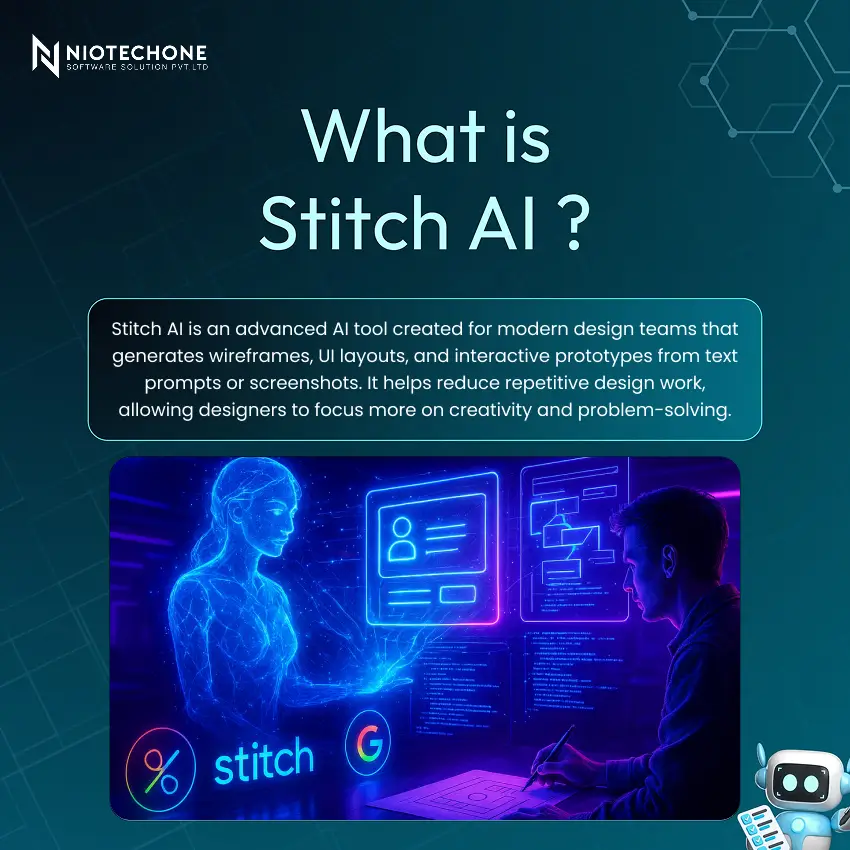
Design has long been thought of as a talent that only years of training can impart to someone and that only trained professionals possess, who have mastered numerous complicated tools and learned the principles of visual communication. This is rapidly changing. Stitch AI is a groundbreaking AI-powered design and wireframing tool that empowers anyone to bring an idea to a flawless and high-quality UI design in a matter of seconds, not hours.
Core Features That Set Stitch AI Apart
AI Wireframe Generation
Simply input your concept, and AI generates professional wireframes in seconds. NLP reads the meaning behind your text and converts it into pre-formatted, editable templates in a flash.
Screenshot Conversion
Upload any screenshot, and it’ll be converted into an editable, production-ready design file in real time. Great for rapid prototyping, redesign, or reference of existing interfaces.
Pre-Built Components
Use hundreds of professionally-made UI components and templates. Choose from a wide range of drag-and-drop to fit your brand without having to create and design from the ground up.
Real-Time Customization
Instantly change colors, spacing, and layout. Enjoy zero effort as you see changes update on every screen as you work on your design.
Team Collaboration
Work concurrently with your team, add comments, and monitor version changes. All are on the same page and working well during the design process.
How Stitch AI Works - 5 Simple Steps
1. Add Your Idea: Type a description of what you need or upload a screenshot for conversion.
2. AI Analysis: The smart algorithm takes into account requirements, context, and design patterns to comprehend your objective.
3. Generate Design: Professional wireframes and UI’s will appear in real time that are ready for editing.
4. Customize & Refine: Fine-tune colours, spacing, components, and interactions with the inbuilt editor.
5. Export or Share: Export files or share with your team for review and feedback.
Where Design Teams Use Stitch AI
- UI/UX Design Projects – Design UI from start to end and make changes to the UI without redoing the entire design.
- SaaS Product Prototyping – Rapidly construct interactive prototypes of Software Products. Test ideas before development.
- Start up MVP Design – Get to MVP design faster and prototype ideas in hours.
- Website & App Layouts – Ensure layouts that seamlessly adjust for desktop, tablet, and mobile.
Why Teams Choose Stitch AI
- Time & effort Savings: Days of design to hours, strategy, and innovation.
- Accessible to Everyone: No advanced design skills needed. Anyone can contribute.
- Faster Delivery: Accelerate projects and get ideas to prototype quicker.
- Improved Productivity: 3-5 times more work accomplished in the same amount of time without compromising quality.
- Seamless Collaboration: Share designs in a flash, get feedback, and polish collectively.
Stitch AI vs Traditional Design: A Direct Comparison
Aspect | Traditional Design | Stitch AI |
Generation Method | Manual process in design tools | Fast AI generation from text or screenshots |
Skill Requirement | Needs skills and training | Beginner-friendly interface — anyone can use it |
Iteration Speed | Time-consuming manual edits | Instant iterations in seconds |
Layout Decisions | Fully manual implementation | Automated layout decisions by AI |
Who Benefits Most from Stitch AI?
Product Designers
Make work quicker and more productive. Prioritize user research and strategic decisions, with AI taking care of the implementation.
Design Teams
Do more work with fewer people. Increase your project capacity and budget without increasing your team size.
Startup Founders
Get your product to market faster with fewer resources. Make professional designs without having to initially pay for costly design talent.
Product Managers
Communicate ideas effectively and gain designs rapidly. Make changes with feedback rather than waiting for designers.
Freelance Designers
Accept more work and get it done quicker. Improve the profitability by cutting down project time without compromising on quality.
Conclusion
Stitch AI is revolutionizing the design process by creating professional UI/UX designs quickly, intelligently, and easily for both design novices and experts.
From prototype development to handling multiple product interfaces at once, Stitch AI caters to your needs and speeds up the whole process. The results are clear: a 75% reduction in design time, 3x productivity gains, and 85% improvement in team satisfaction.
Categories
Related Articles
Related Tags
Frequently Asked Questions FAQs
Stitch AI is used for generating wireframes, UI layouts, and interactive prototypes from text descriptions or screenshots. It is ideal for product designers, startup founders, product managers, and development teams who need professional designs quickly.
No, Stitch AI is designed to be beginner-friendly. Its AI-powered interface removes the need for advanced design skills, allowing anyone to create professional-quality UI designs without prior experience.
Yes, Stitch AI's Screenshot Conversion feature lets you upload any screenshot and automatically converts it into a fully editable, production-ready design file.
Yes, Stitch AI includes built-in real-time collaboration features, allowing teams to work simultaneously, leave comments, and track version changes, all within the same platform.
Yes, once your design is ready, you can export files directly or share them with your team for review and feedback, streamlining the handoff process between designers and developers.










