
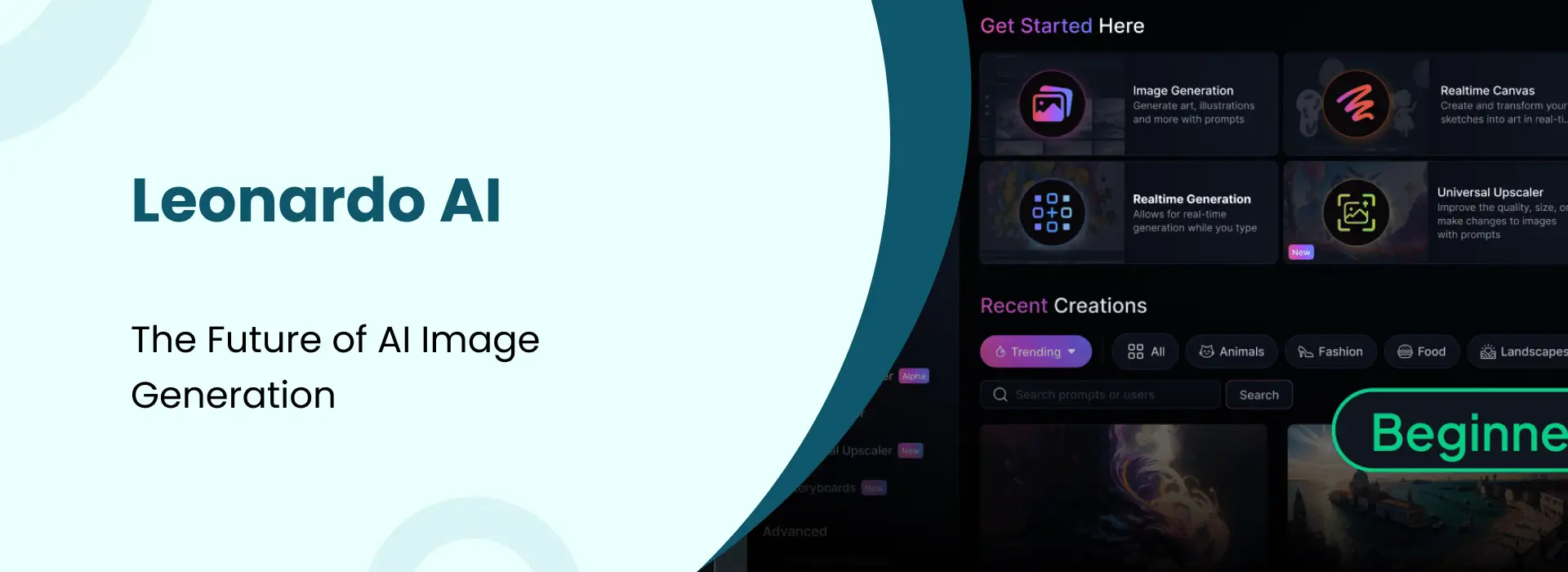
Leonardo AI: The Future of AI Image Generation
- Niotechone Marketing Team
Introduction
Not too long ago, creating professional-looking images wasn’t something you could do easily. You usually needed expensive software, some design knowledge, and a good amount of time to get things right. That’s where Leonardo AI really stands out. It makes the whole process much simpler. Whether you’re working on a game, running marketing campaigns, or just creating content, you can generate quality visuals just by describing what you want. No design background required.
What is Leonardo AI?
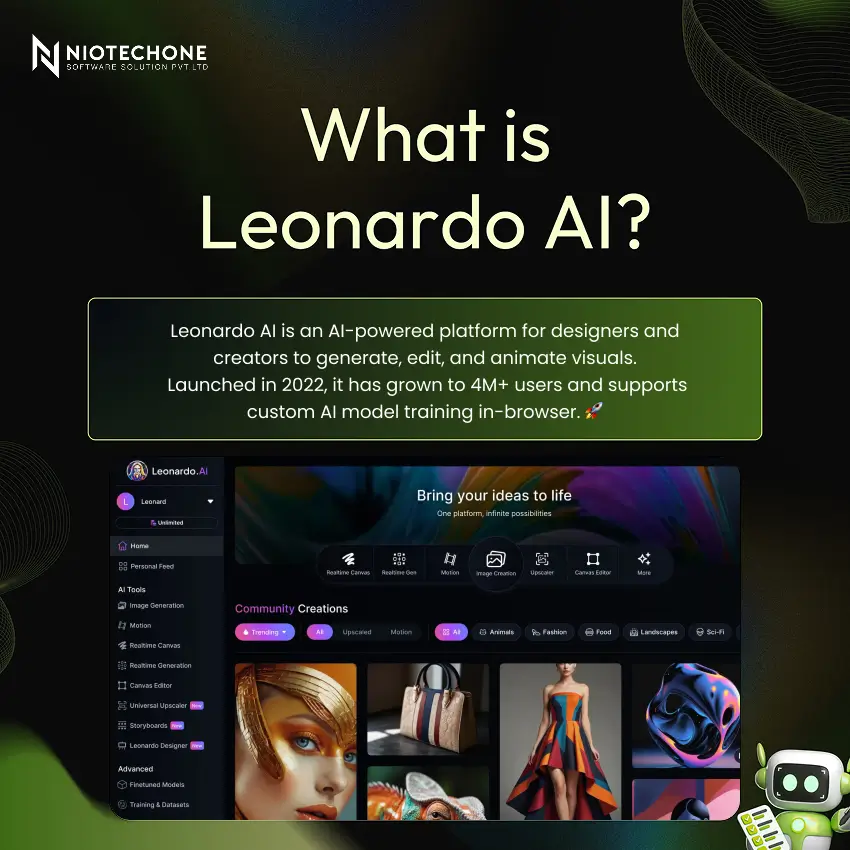
Leonardo AI is an AI-powered creative platform built specifically for designers, game developers, marketers, and digital artists. Launched in 2022, it has rapidly grown to 4M+ users worldwide. It lets you generate images, animate visuals, edit artwork, and train your own custom AI models — all from your browser, powered by cutting-edge AI.
Key Features of Leonardo AI
- AI Image Generation — Turn simple text ideas into detailed visuals in different styles.
- AI Canvas — Edit and expand images in a way that feels similar to basic Photoshop tools.
- Motion / Video — Add movement to your images and turn them into short clips.
- 3D Texture Generation — Create textures for 3D assets using just text input.
- Real-Time Generation — Images start appearing while you’re still typing.
- Custom Fine-Tuned Models — Train models that match your own style or specific needs.
How Leonardo AI Works
Step:1 — Enter a Text Prompt: You start by typing what you want to create. It doesn’t have to be perfect—most of the time, I just begin with a basic idea and adjust it later.
Step:2 — Choose Model & Style: There are quite a few models available. I’ve noticed some work better than others depending on the style, so trying a couple helps.
Step:3 — Customize Settings: You can tweak things like resolution or steps. At first, it feels a bit confusing, but after a few tries, it starts to make sense.
Step:4 — Generate & Download: Batch up to 8 images at once, then download or continue editing in AI Canvas.
Leonardo AI: Image Generation
This is where most people spend their time—turning ideas into actual visuals.
- Multiple art styles — You can switch styles depending on what you’re trying to create. Some results turn out better than expected, others need a bit of tweaking.
- Full control over settings — There are options like aspect ratio and CFG scale, though I don’t always change everything.
- Batch generation — You can generate several images together, which is useful when testing different ideas.
- High-resolution outputs — The quality is usually good enough for most use cases, unless you’re aiming for something very specific.
Leonardo AI: Custom Model Training
Train your own AI model, so your results start to feel a bit more personal instead of looking the same every time.
Step:1 — Upload Images: You’ll need around 10–20 images to get started. They don’t have to be perfect; I just used whatever clearly showed the style I wanted.
Step:2 — Start Training: After uploading, it takes a bit of time to process. I remember it wasn’t instant, so you just have to wait it out.
Step:3 — Use Your Model: Once it’s ready, you can start generating images. Some came out really close to what I expected; others needed a bit of tweaking.
Step:4 — Share & Publish: If it turns out well, you can share it, but honestly, you can also just keep it for yourself.
Leonardo AI: Use Cases
Game Asset Creation — Helpful if you need characters or environments quickly without starting from zero.
Digital Art & Illustration — Works fine for covers, artwork, or general creative stuff.
Marketing & Ad Creatives — Can save time when you need visuals for campaigns or posts.
Fashion & Product Design — Good for rough ideas or early mockups.
Architecture & Interiors — Useful for visualizing concepts before going deeper.
Social Media Content — Easy way to create something a bit different for posts or thumbnails.
Tips & Best Practices for Better Results
- Write Detailed Prompts — From what I noticed, the more clearly you describe things, the better the results tend to be.
- Choose the Right Model — Some models just work better than others, depending on what you’re trying to create.
- Use Negative Prompts — This helps avoid unwanted stuff like blur or weird artifacts showing up.
- Experiment with Settings — I had to try a few different settings before getting something I liked.
- Save Your Favorites — It really helps to save good results, so you don’t have to figure it out again later.
- Engage with Community — You can pick up a lot just by checking what others are creating and sharing.
Conclusion
Not gonna lie, Leonardo AI is actually kinda useful once you try it. I didn’t really expect much at first, but it does save time, especially for quick visuals. It’s not perfect or anything, and sometimes you still need to adjust stuff, but yeah—it works. If you’re curious, just try it yourself and see. It’s free anyway on leonardo.ai.
Categories
Related Articles

Related Tags
Frequently Asked Questions FAQs
Leonardo AI is an AI-powered creative platform that lets users generate high-quality images, animate visuals, edit artwork, and train custom AI models using simple text prompts.
Yes, Leonardo AI offers a free plan with daily credits. Advanced features and higher generation limits are available through paid subscription plans.
No. Leonardo AI is beginner-friendly — just type what you want to create and the AI generates the result. No design or technical background required.
It is ideal for game developers, digital artists, marketers, content creators, fashion designers, architects, and anyone who needs high-quality AI-generated visuals.
Leonardo AI offers more hands-on control with features like custom model training, AI Canvas editing, real-time generation, and 3D texture creation — making it more versatile than most other AI image tools.










