
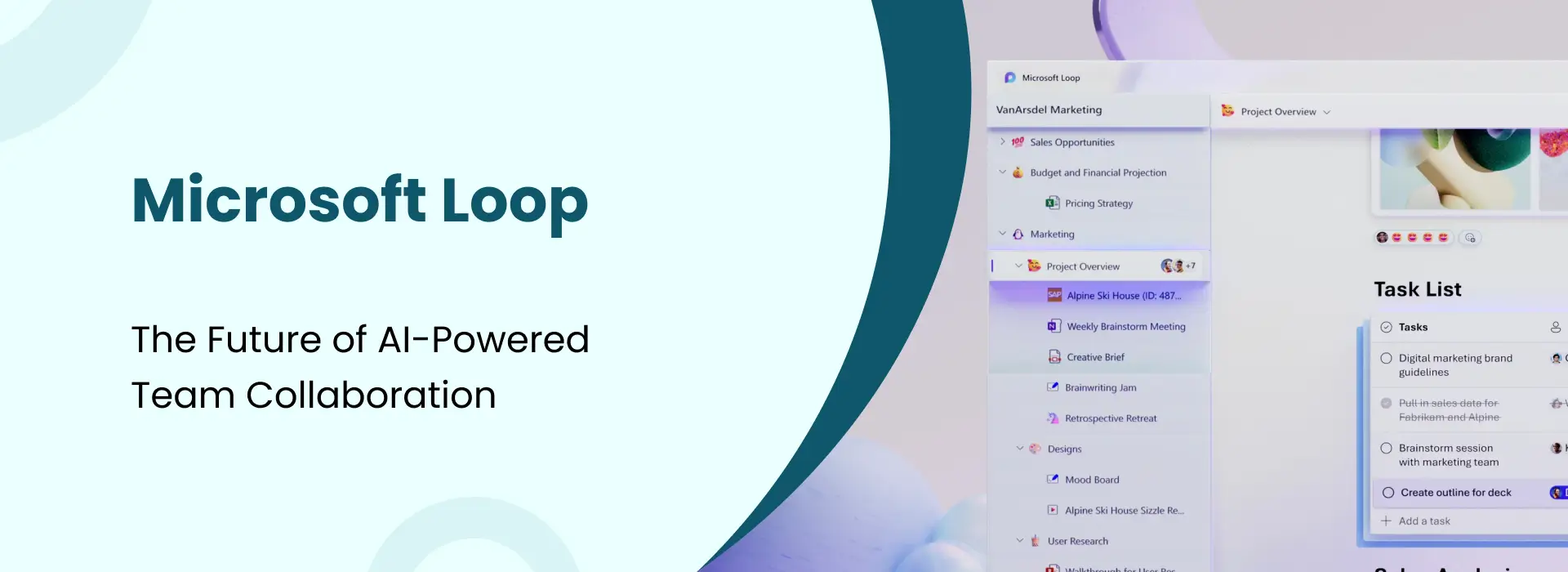
Microsoft Loop: The Future of AI-Powered Team Collaboration
- Niotechone Marketing Team
Table of Contents
- Introduction
- What Is Microsoft Loop?
- The 3 Key Components of Microsoft Loop
- Loop Component: Real-Time Sync Across Every App
- AI Features: Microsoft Copilot Inside Loop
- Key Features at a Glance
- How Microsoft Loop Works: 4 Steps
- Real-Life Example: Marketing Team Product Launch
- Advantages of Microsoft Loop
- Disadvantages of Microsoft Loop
- Microsoft Loop vs Google Docs vs Notion
- Use Cases: Where Microsoft Loop Excels
- Conclusion
Introduction
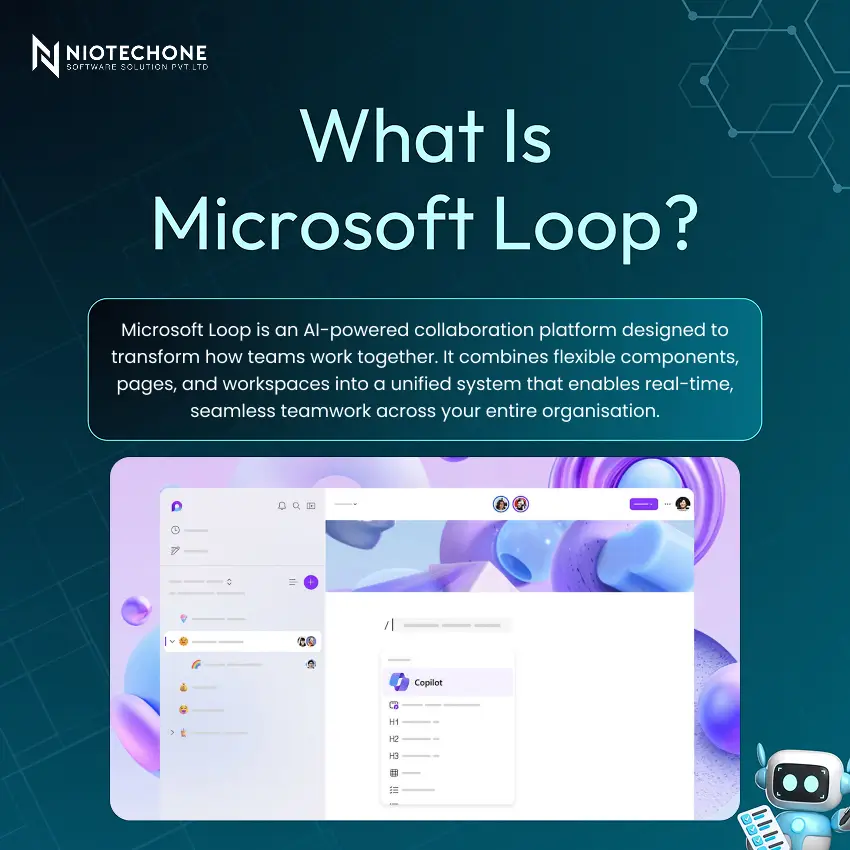
Microsoft Loop is transforming the way modern teams collaborate. Modern teams are drowning in disconnected tools — one conversation in Teams, a document in Word, a task list in Outlook, and notes from yesterday’s meeting somewhere else entirely. However, it is built to end that fragmentation. Microsoft Loop is more logical and organized than an AI-powered collaborative workspace that brings together documents, conversations, and tasks into a single shared space.
The 3 Key Components of Microsoft Loop
Loop is built on three interconnected building blocks that work together as a modular, connected collaboration ecosystem:
Component | What It Is |
Components | Atomic pieces of content — lists, tables, notes — that sync in real-time across Microsoft 365 apps |
Pages | Flexible canvases for organising multiple components into cohesive documents and project hubs |
Workspaces | Shared spaces where teams collaborate, organise pages, and manage projects together seamlessly |
Loop Component: Real-Time Sync Across Every App
They are what make it stand out from other collaboration tools. These are tiny bits of data, like lists, tables, and notes, that are synced automatically in real-time across all applications in Microsoft 365.
Change a list in Teams, and it changes in Outlook and Word documents in real-time, without copying and pasting, without version control issues, and without worrying about “Which file is the most up-to-date?”
Example: Team members working on the same checklist during a discussion in Teams.
AI Features: Microsoft Copilot Inside Loop
IT additionally integrates Copilot AI to supercharge team productivity across three key areas:
- Instant Content Generation — draft documents, lists, and build structured content using AI suggestions.
- Automatic Summaries —automatically summarize your discussions and meeting minutes without manual effort.
- Smart Task Automation —automate your tasks and reminders using AI.
Let AI take care of the mundane, so you can concentrate on what’s truly important.
Key Features at a Glance
- Real-Time Collaboration —Allows collaboration with several persons at the same time, with real-time editing.
- Easy Sharing & Permissions — Ensures security in accessing data that is needed by only specific people.
- Seamless Microsoft 365 Integration — Connects with all other Microsoft 365 products, such as Teams, Outlook, Word, and many more.
- Flexible, Modular Content — Customize content as per your requirements with modular content.
How Microsoft Loop Works: 4 Steps
- Real-Time Collaboration —Allows collaboration with several persons at the same time, with real-time editing.
- Easy Sharing & Permissions — Ensures security in accessing data that is needed by only specific people.
- Seamless Microsoft 365 Integration — Connects with all other Microsoft 365 products, such as Teams, Outlook, Word, and many more.
- Flexible, Modular Content — Customize content as per your requirements with modular content.
Real-Life Example: Marketing Team Product Launch
The team responsible for launching a product has its own Loop workspace where it plans for the launch of the product:
- Tasks are added live during their weekly discussions
- Tasks and timelines are managed live by everyone involved
- AI automatically takes note of action items and sends reminders to the individuals responsible for completing the tasks
- Everyone stays aligned —no need for follow-up emails, missing tasks, or different versions
Advantages of Microsoft Loop
- Increased Productivity & Engagement — collaboration made easier saves time and moves work forward smoothly
- Centralised Communication & Content — everything in one place means no switching between apps
- Reduced Delays — no more waiting on updated documents or locating the recent version
- AI-Powered Creativity & Efficiency — Copilot features help teams accomplish more with less manual effort
Disadvantages of Microsoft Loop
An honest look at its current limitations:
- Learning Curve — new users might require some adjustment period to get used to the modular design of Loop
- Microsoft 365 Dependency — requires the M365 ecosystem, restricting flexibility for organizations with non-Microsoft solutions
- Restricted Offline Functionality — organizations must consider privacy concerns and security before fully adopting Loop
- Privacy & Data Security — organisations should evaluate data handling and compliance implications before full adoption
Microsoft Loop vs Google Docs vs Notion
Feature | Microsoft Loop | Google Docs | Notion |
AI Integration | Deep (Copilot) | Basic | Moderate |
Modularity | Best-in-class | Limited | Strong |
Simplicity | Moderate | Excellent | Moderate |
Offline Use | Limited | Strong | Moderate |
Microsoft 365 Integration | Native | Not available | Not available |
Real-Time Collaboration | Yes | Yes | Yes |
Use Cases: Where Microsoft Loop Excels
Project Management & Tracking: Project management & tracking of all activities, deadlines, and progress is done without using project management software.
Meetings & Note-Taking: Take notes on the spot, and action points will be automatically shared with other members in the meetings.
Brainstorming & Ideation: Create brilliant ideas via collaboration in dynamic content such as whiteboards, checklists, tables, and much more.
Cross-Team Collaboration: Collaborate across multiple teams in the same organization, such as marketing, product, and engineering teams.
Conclusion
This AI platform is easy to develop in collaboration within teams, as it takes us away from the traditional way of collaboration through documents towards a completely new way of collaboration involving synchronization, AI, and modular components that cover your whole environment. Microsoft Loop is one of the most innovative aspects of the platform, as it can link conversations and spaces through Loop Components that sync via Teams, Outlook, and Word.
Categories
Related Articles



Related Tags
Frequently Asked Questions FAQs
Microsoft Loop is a collaborative workspace app from Microsoft built for co-creating documents, managing projects, and collaborating in real time across the Microsoft 365 ecosystem.
Loop Component is a portable, real-time piece of content that can be shared across Microsoft 365 apps and stay synced everywhere.
Yes. Similarly, it is part of the Microsoft 365 ecosystem and requires an active M365 subscription. It is not available as a standalone tool, which limits its accessibility.
As a result, Microsoft Loop includes several AI features powered mainly by Microsoft Copilot. The big theme is helping you brainstorm, write, organize, and summarize faster.
Not really in a full productivity sense. This AI tool currently does not offer a robust offline mode like Microsoft Word or Microsoft OneNote, where you can keep editing offline and sync later.










