
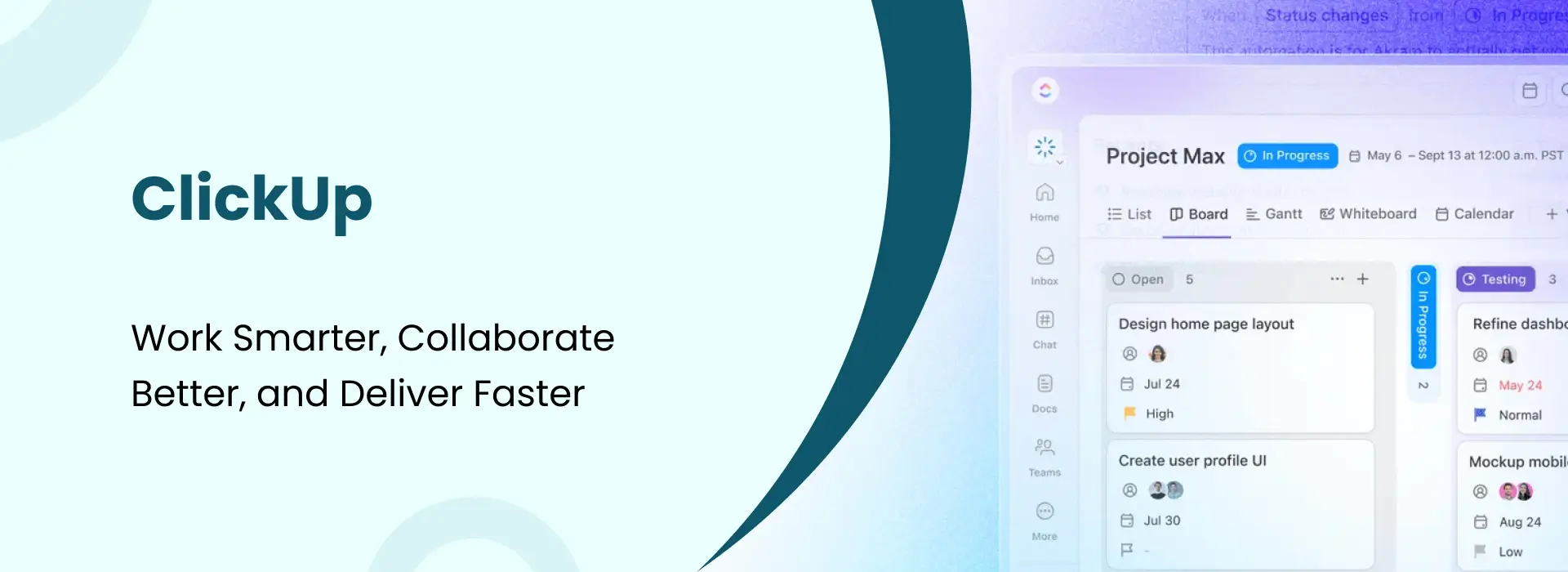
ClickUp: Work Smarter, Collaborate Better, and Deliver Faster
- Niotechone Marketing Team
Introduction
The majority of teams do not work well due to the absence of effort, but because their tools are all over the place – tasks in one app, notes in another, and conversations in email threads. ClickUp was created to address that very issue by putting it all in a single place.
What is ClickUp?
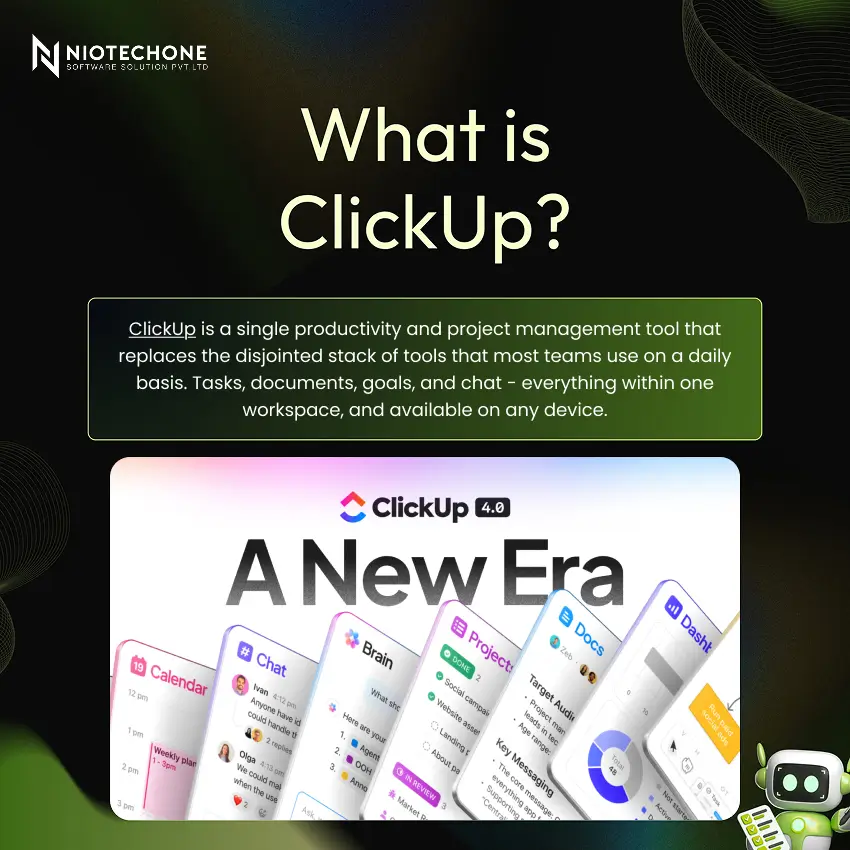
ClickUp is a single productivity and project management tool that replaces the disjointed stack of tools that most teams use on a daily basis. Tasks, documents, goals, and chat – everything within one workspace, and available on any device.
Why ClickUp? The Problem It Solves
Without a proper system, teams are characterized by a lack of clarity in task ownership, missed deadlines, and information that is scattered in emails and spreadsheets. ClickUp addresses this by assigning each task a clear owner, a due date, and a real-time status – so nothing ever falls through the cracks.
Core Features
- Task and Project Management :- Plan, assign and manage tasks with priorities, deadlines and attachments in a single location.
- Docs and Knowledge Sharing :- Create documents, wikis, and SOPs within your workspace and attach them to tasks.
- Goals Tracking :- Establish specific objectives and monitor the achievement of team and company-wide goals in real time.
- Dashboards and Analytics :- Custom dashboards displaying task progress, workload, and sprint velocity – all in real-time.
Task Management
The core of ClickUp is tasks. A good task is not merely a title, but a full-fledged piece of work with all the context, ownership, and schedule a team member requires to accomplish on their own.
- Write Action-Oriented Titles :- Use verb-first format like “Design homepage banner” instead of just “Banner” to eliminate ambiguity.
- Assign a Clear Owner :- Each task should have a single owner. No owner is responsible.
- Set Priority Levels :- Establish Urgent, High, Normal and Low priority levels to allow teams to self-prioritize without manager intervention.
- Add Deadlines and Reminders :- Add due dates and automatic reminders to ensure nothing gets behind schedule and everyone is on time.
- Break Down Into Subtasks :- Divide complex tasks into smaller actions that can be checked to make progress visible and responsibilities clear.
Customization Power
ClickUp adapts to any team. Add custom fields, create status workflows that fit your specific process, use color-coded tags, and save templates to use in similar projects. Each of the four departments (Marketing, Engineering, HR, and Operations) can have a configuration that seems to be designed to suit them.
Views, Automation, and Collaboration
Toggle between List, Board, Calendar, and Gantt views based on the requirements of your team. Automate routine tasks such as alerting a manager when a task is done or changing priority when a deadline is missed. All task conversations happen within the task itself – keeping conversations within the work and visible to the entire team.
Real-World Use Cases
1. Development
Engineering teams rely on ClickUp to organize agile sprints, feature development, and bugs with severity tags. Statuses such as Backlog, In Sprint, In Review, and Done are custom statuses that provide developers and leads with immediate insight into what is being built and what is blocked.
2. Marketing
Marketing teams handle content calendars, campaign briefs, social media schedules, and asset approvals within ClickUp. Board views are ideal with content pipelines and Gantt views provide campaign managers with a clear view of launch timelines in various channels.
3. Operations
Recurring task templates are used by ops teams in their daily routines, procurement workflows are managed in vendor management folders, and team capacity is monitored using dashboards. Status updates and notifications are automated, and the team can work on the problems, not on their monitoring.
Conclusion
ClickUp is not a task manager, but a work management system. When your team is still balancing between several tools and losing work in email chains, ClickUp is the upgrade you need. Begin small, be consistent, and see your team perform better than ever.
Categories
Related Articles


Related Tags
Frequently Asked Questions FAQs
Yes, ClickUp offers a free plan. Paid plans unlock advanced features like automation, reporting, and admin controls.
Yes, ClickUp combines task management, docs, chat, and goals into one platform, reducing the need for multiple tools.
Absolutely. It is a cloud-based platform that works across all devices, making it ideal for remote and hybrid teams.
No, the basics are easy to learn within a few hours. It also provides templates and guides to help teams get started quickly.
Any team can use ClickUp — from startups to large enterprises, including Marketing, Engineering, HR, and Operations teams.










