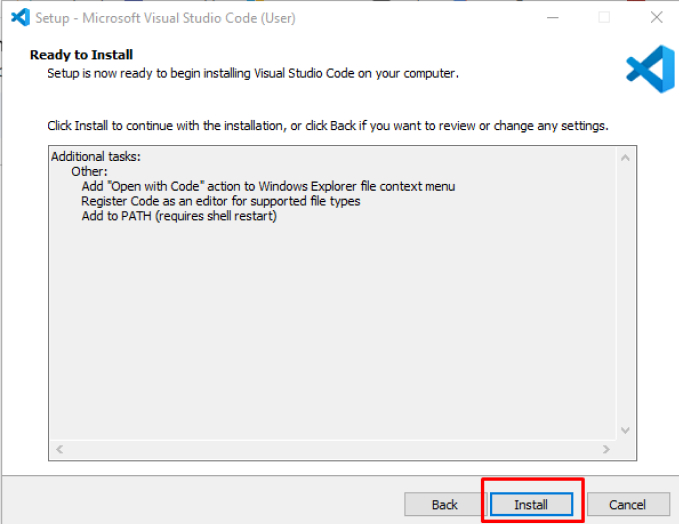
This image shows the final step of the Visual Studio Code installation wizard. The summary lists the selected tasks, and the “Install” button at the bottom right is highlighted with a red outline, indicating the user should proceed with installation.