Common Logging Mistakes in Production Apps

Introduction

Modern applications do not crash silently; they crash with a bang. The actual question is whether your logs tell you why. By 2026, logging will not only be a developer tool. It is a business-critical asset. 

For CTOs, startup founders, and enterprise leaders, ineffective logging can lead to increased downtime, security blind spots, compliance risks, and lost revenue. Regardless of whether you are dealing with a .NET development company or an internal team, production logging should be purposeful, designed, and scalable.

Why Logging is a Business Strategy, not a Technical Feature

The initial source of truth is logs when production apps crash, slow down, or act unpredictably.

Good logging helps you:

  • Identify problems before customers become aware.
  • Minimize Mean Time to Resolution (MTTR)
  • Meet compliance standards
  • Improve system performance
  • Support AI-driven analytics
  • Secure income in case of downtime.

To organizations that invest in the development of .NET applications and cloud application development, logging is not something that should be added at the end of your architecture.

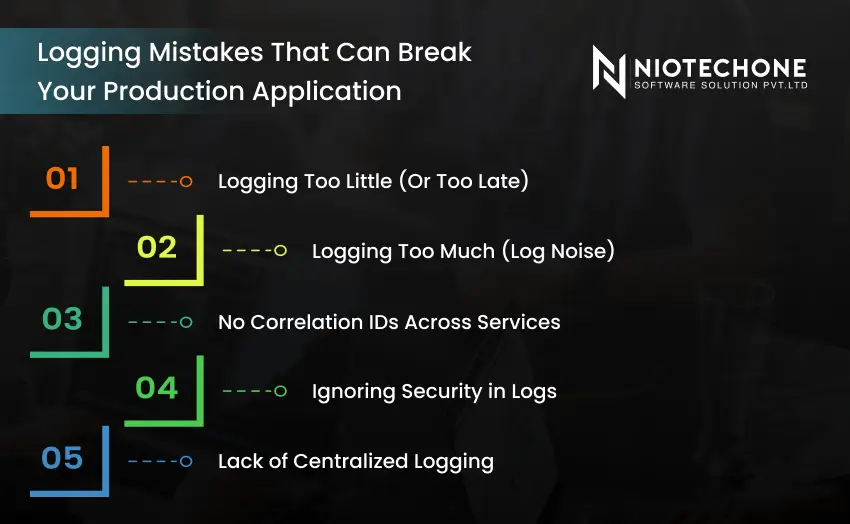
Logging mistakes that can break production applications such as excessive logs and missing correlation IDs

Logging Mistakes That Can Break Your Production Application

Mistake 1: Logging Too Little (Or Too Late)

Most MVP-level applications log only exceptions. That’s a critical error.

By the time you log an error, the damage is already done.

What Does It Mean to Log Too Little?

  • No history of user activity before failure.
  • Hard-to-reproduce bugs
  • Incomplete audit trails
  • Lack of visibility of performance.

What to Do Instead

Introduce structured logging at major application layers:

  • API entry points
  • Business logic execution
  • Database calls
  • External service integrations.
  • Authentication events

Logging is a fundamental design principle of a mature ASP.NET Core application architecture.

Mistake #2: Logging Too Much (Log Noise)

The converse issue is also hazardous.

Logging everything creates:

  • Massive storage costs
  • Slow log search queries
  • Alert fatigue
  • Security exposure

This is particularly prevalent in under-optimized Azure cloud architecture deployments.

Smart Logging Strategy

Rather than logging all of it:

  • Apply log levels correctly (Information, Warning, Error, Critical)
  • Do not use debug-level logs in production.
  • Rotate logs regularly
  • Archive logs intelligently

An effective logging system is planned to ensure scalability without increasing cloud costs.

Mistake #3: No Correlation IDs Across Services

In 2026, microservices and distributed systems are the order of the day.

Without correlation IDs:

  • You are not able to trace a request between services.
  • It turns into guesswork in debugging.
  • The response to incidents becomes very slow.

Correlation IDs are required in distributed cloud application development.

Mistake #4: Ignoring Security in Logs

Logs often contain:

  • User emails
  • Payment references
  • Session tokens
  • API keys

In distributed cloud application development, correlation IDs are mandatory.

Security Best Practices

  • Mask sensitive fields
  • Encrypt stored logs
  • Restrict log access
  • Use role-based permissions
  • Adhere to Zero Trust principles.

When you are dealing with a custom software development company, make sure that the logging security policies are well established.

Mistake #5: Lack of Centralized Logging

It is no longer possible to store logs on local servers.

Scalable systems in 2026 utilize centralized logging platforms.

Advantages of Centralized Logging

  • Single dashboard surveillance.
  • Real-time alerting
  • Faster root cause analysis
  • AI-driven anomaly detection

Centralized logging in Azure cloud architecture usually involves:

  • Azure Monitor
  • Application Insights
  • Log Analytics

An experienced .NET development company can introduce centralized monitoring that suits your business size.

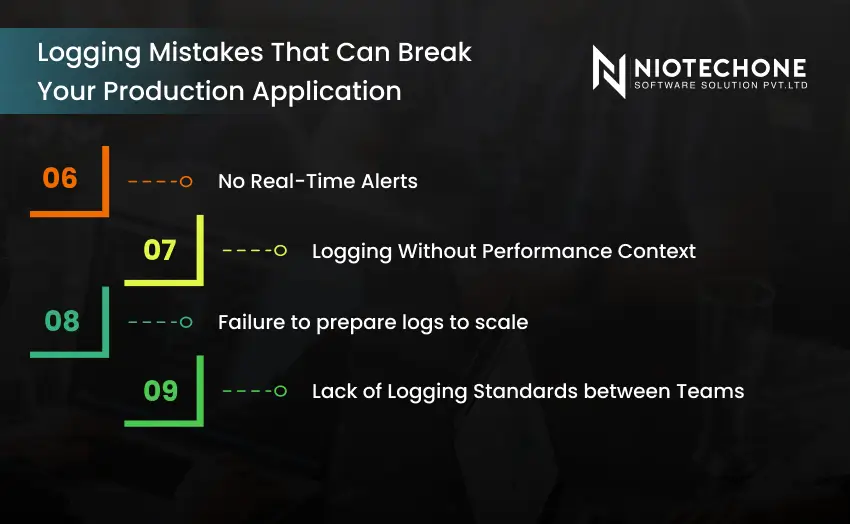
Production logging issues like missing alerts, poor scaling strategy, and lack of logging standards

Mistake #6: No Real-Time Alerts

There is no use in logs when nobody reads them.

When:

  • Error rate increases
  • CPU usage spikes
  • Database response slows
  • API failures are above the threshold

The current monitoring incorporates AI in software development to identify anomalies automatically.

Reactive logging is obsolete. The new standard is predictive monitoring.

Mistake #7: Logging Without Performance Context

It is not complete to log errors without performance metrics.

For example:

  • How long did the request take?
  • What was the memory usage?
  • Was database latency high?

Teams of production-ready ASP.NET Core development companies combine performance telemetry and logs.

Mistake #8: Failure to prepare logs to scale

Logs increase exponentially as your application increases.

Unless designed correctly, logging is:

  • Expensive
  • Slow
  • Hard to search
  • Operationally complex

Scalability Checklist Logging

  • Log retention policies
  • Cloud storage lifecycle policies.
  • Efficient indexing
  • Partitioned storage
  • Cost monitoring

This is particularly important in the development of .NET applications at the enterprise level.

Mistake #9: Lack of Logging Standards between Teams

Inconsistent logging is common in large organizations.

One team logs JSON. Another logs plain text. A third logs nothing meaningful.

Set Logging Rules

  • Standard format
  • Defined log levels
  • Naming conventions
  • Required fields
  • Central documentation

When you are planning to recruit a .NET developer in Rajkot, make sure that he or she adheres to structured logging standards.

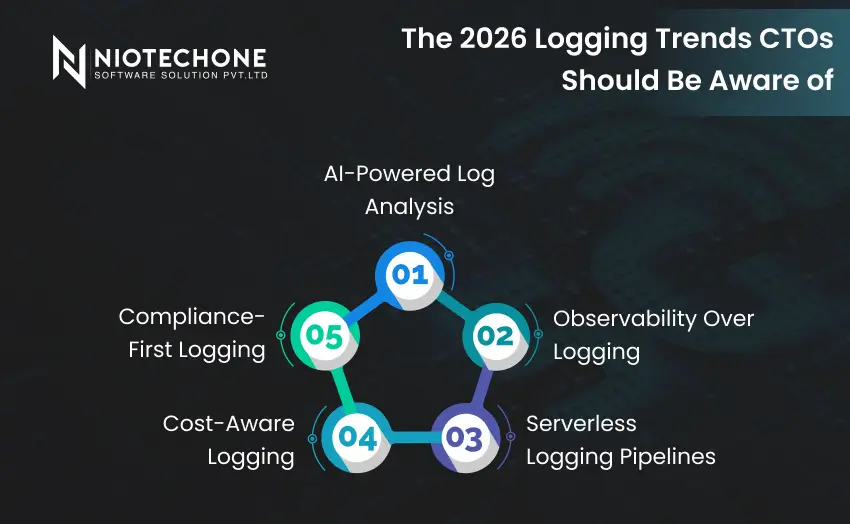
2026 logging trends including AI log analysis, observability, and serverless logging pipelines

The following are key trends that are defining production systems:

1. AI-Powered Log Analysis

AI applications identify anomalies and forecast failures automatically.

2. Observability Over Logging

Observability is a combination of logs, metrics, and traces.

3. Serverless Logging Pipelines

Event-driven log processing is used in cloud-native systems.

4. Cost-Aware Logging

Cloud cost governance tools maximize storage and retention.

5. Compliance-First Logging

Tighter data controls demand auditable and secure log systems.

A modern software development company should be aware of these trends to develop future-proof applications.

Logging Architecture: Poor vs Optimized

Factor

Poor Logging Setup

Optimized Logging Architecture

Structure

Plain text logs

Structured JSON logs

Monitoring

Manual checks

Real-time alerts

Security

Sensitive data exposed

Masked & encrypted logs

Scalability

Local storage

Cloud centralized logging

Analytics

Manual review

AI-powered analysis

Cost

Uncontrolled growth

Retention policies applied

Real-World Case: Revenue-costing Logging Failure

A web-based store had random checkout failures.

Problem:

  • The only thing that was logged was that there was a payment error.
  • No request IDs
  • No gateway response codes
  • No performance data

A service-to-service timeout problem was found after 9 days.

Once logs have been restructured with structured logging and correlation IDs:

  • Time to detect issues decreased by 85%.
  • Minimal downtime.
  • Customer trust improved

This was done by a senior .NET developer in Rajkot who specializes in scalable ASP.NET systems.

Conclusion

Logging is not only about documenting mistakes. It is concerning your business security. Ineffective logging results in increased downtime, frustrated customers, compliance risks, and unwarranted cloud costs.

Collaborating with an established .NET development company or a reputable custom software development company will guarantee that your logging system will not be a bottleneck to growth. Since failure in production is not a new mystery, your logs must tell the whole story, not a new one.

Frequently Asked Questions FAQs

Structured logging stores data in a standard format such as JSON, which can be easily searched, filtered, and analyzed.

It offers integrated monitoring, accelerated debugging, and AI-based insights.

Overlogging or improper logging may slow down performance. This is avoided by proper optimization.

Azure offers centralized monitoring and alert tools such as Application Insights and Azure Monitor.

AI examines trends, identifies anomalies, forecasts failures, and minimizes human monitoring activities.