
Tabnine: AI Code Completion Tool for Faster Development
- Niotechone Marketing Team
Introduction
Code writing is one of the most challenging and detail-oriented tasks that a developer has to deal with daily. A large part of a developer’s time is wasted on predictable, mechanical, and non-creative tasks. This is precisely the issue that AI code completion tools were created to address.
AI in Coding: The Big Idea
AI assistants can guess your next code based on the context and help you write common patterns more quickly. Code completion means the tool will suggest the next token, line, or function as you type, eliminating repetitive typing and syntax lookups.
Where it fits in the workflow: AI code completion helps while writing new code, while editing or refactoring existing code, and while learning unfamiliar APIs or libraries.
What beginners need to be aware of: It is always advisable to consider suggestions before accepting them. Be aware of security and licensing policies within your organization.
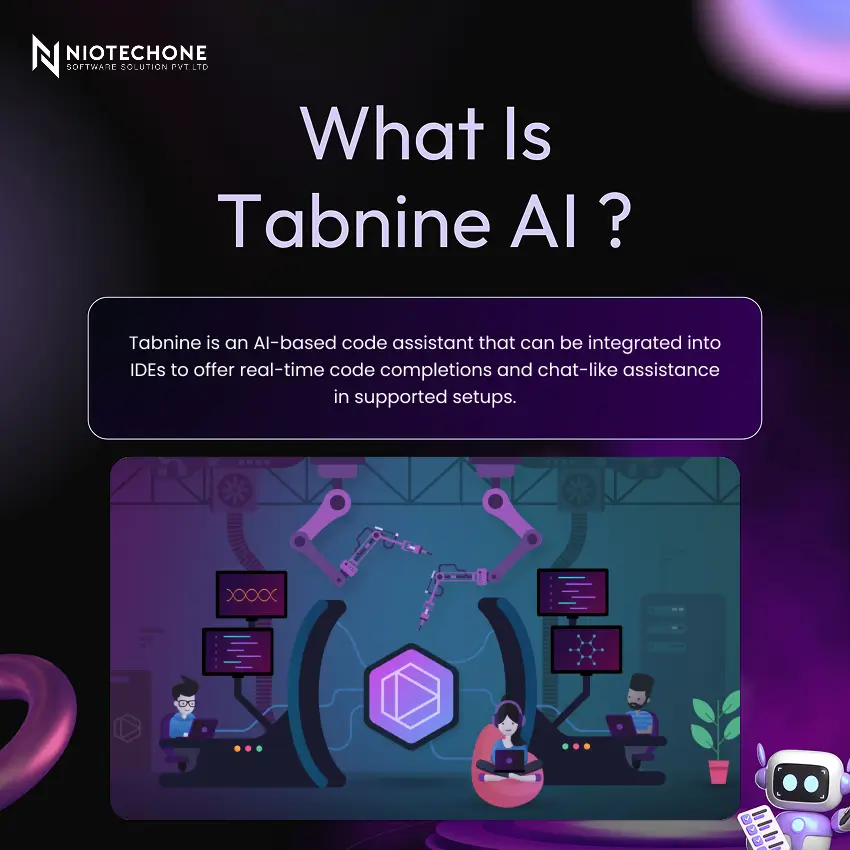
Tabnine AI is designed for: it is intended to speed up routine code, assist you in navigating unfamiliar patterns, and support teams with privacy and security requirements.
It is used: Tabnine is an IDE extension that runs on your computer. It also allows optional secure cloud or private deployment to organizations that require more control over their data.
Key Features: Security and Enterprise
Tabnine has three deployment options. The standard secure cloud is SaaS. VPC is a Virtual Private Cloud environment. On-premises or air-gapped means complete local control and no external connections.
Privacy-first principles: I am highly concerned with the security of proprietary code and minimizing the exposure of data.
Deployment flexibility: Options can include secure cloud and private environments, depending on your organization’s needs.
Team governance for organizations: Tabnine supports centralized configuration and policy alignment across development teams.
When it matters the most: These features are particularly valuable when it comes to regulated industries or teams that work with sensitive codebases.
How Tabnine Works
Tabnine takes the current coding context and predicts the next best code snippet. The process is based on five steps.
Step:1 – You enter the IDE.
Step:2 – The plugin collects local context, including the open file and nearby code.
Step:3 – The AI model produces candidate completions, depending on the context.
Step:4 – The IDE shows an inline suggestion for you to review.
Step:5 – You either approve or disapprove the suggestion and retain complete control over your code.
Installation Guide
- Go to the Extensions or Plugins marketplace of your IDE.
- Search for Tabnine.
- Click Install.
- Reload your IDE when asked.
- Sign in or activate Tabnine via the Tabnine Hub.
Examples of IDEs: In VS Code, open the Extensions panel and press Install. In JetBrains editors, go to Settings or Preferences, then Plugins, then Marketplace.
Note: After installation, ensure that the Tabnine icon or status indicator is active.
Advantages
Productivity: Tabnine can execute boilerplate and repetitive code many times faster. It reduces the need to context-switch to search for syntax or documentation.
Consistency: Tabnine promotes consistent patterns and naming conventions within a project, particularly useful on shared codebases.
Privacy and security posture: Tabnine is frequently selected by teams that are highly concerned with code handling and deployment control, making it a reliable option for security-conscious organizations.
Team scalability: Tabnine helps onboard new developers by surfacing familiar patterns and established conventions from the codebase.
Disadvantages
Risk of over-trust: Blindly accepting suggestions may add subtle bugs to your code. Always read what you are accepting.
Performance considerations: AI assistants may use CPU and RAM based on your configuration. This can influence the performance of lower-spec machines.
Complexity of privacy policy: You need to know whether the suggestions are created on your machine or on a remote service. This is particularly important when dealing with proprietary or sensitive code.
Critical mindset: Tabnine is not a replacement for the role of the developer in terms of logic and security. It is a means to help you, not to decide on your behalf.
Use Cases
Individual developers: Tabnine accelerates CRUD code, unit tests, and repetitive patterns. It is ideal for rapid prototyping and boilerplate generation.
Teams: Tabnine assists in standardizing patterns to shared libraries and internal APIs, enabling faster onboarding and consistent implementation.
Learning and onboarding: Developers can observe examples of idiomatic code as they work, which can speed up the learning process of junior team members.
Regulated environments: Teams in regulated industries like Tabnine support controlled deployment options, enabling them to enforce security policies and private deployment.
Team and governance: Implementing security policies and private deployment in controlled industries.
Conclusion
Tabnine is an AI assistant built into IDEs, with a focus on practical completions and privacy-conscious adoption. It is a trusted developer tool that allows developers to develop faster without compromising the quality of the code or its security. It should be used to accelerate routine coding, not to substitute code review. Install it through your IDE marketplace and begin with small suggestions to gain confidence in the way it works.
Categories
Related Articles


Related Tags
Frequently Asked Questions FAQs
Tabnine is an AI-powered code completion tool that integrates into your IDE and suggests the next token, line, or function as you type. It helps reduce repetitive coding tasks and speeds up development across many programming languages.
Tabnine works across major IDEs, including VS Code, IntelliJ IDEA, PyCharm, WebStorm, and other JetBrains editors. You can install it directly from each IDE's extensions or plugins marketplace.
Tabnine supports many programming languages. The most commonly used include Java, Python, JavaScript, TypeScript, C, C++, Go, and Rust, among others.
Tabnine offers privacy-first deployment options, including local-only inference, Virtual Private Cloud, and on-premises air-gapped setups.
Open your IDE's extensions or plugins marketplace, search for Tabnine, click Install, restart the IDE if prompted, and then sign in or activate it through the Tabnine Hub. Confirm that the Tabnine status indicator is active before using it.










