
OpenAI Codex: AI-Powered Code Generation for Developers
- Niotechone Marketing Team
Introduction
Code writing is always a time-consuming task when developing software applications. The main reason is OpenAI Codex, which translates plain instructions into code across programming languages within seconds. This will prove helpful regardless of your level of expertise in programming – experienced or beginner.
What is OpenAI Codex?
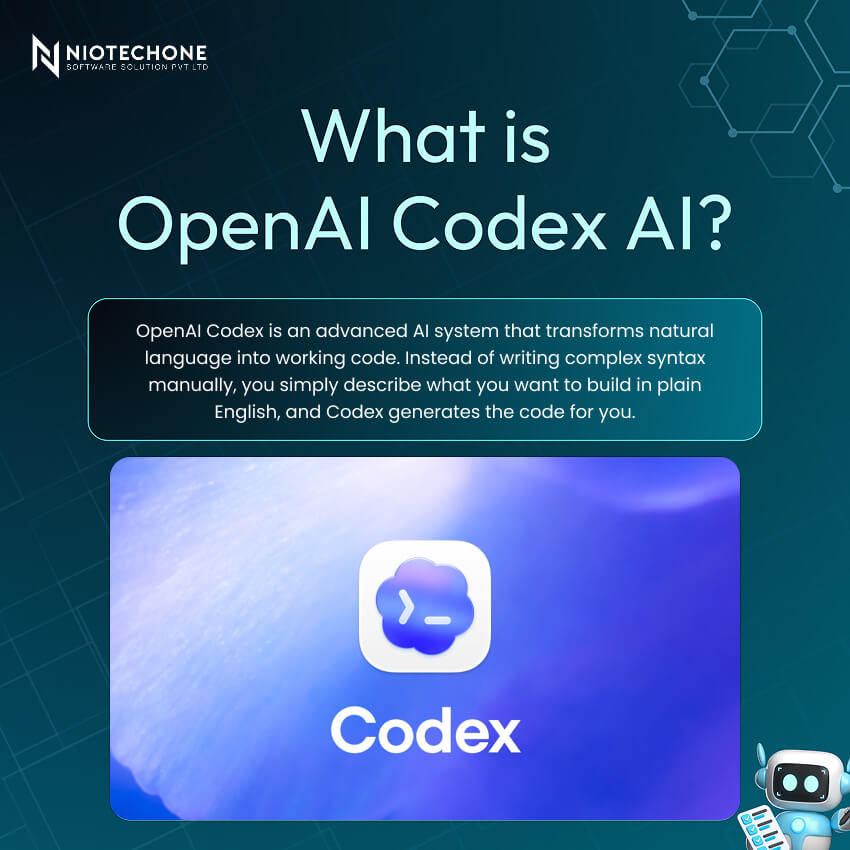
OpenAI Codex is an AI model that translates natural language to code. You just need to provide some instructions, and the AI does its magic, producing code across programming languages.
It’s trained on a large amount of code from GitHub and can also understand the context of your project, not just single lines.
How to Access Codex
There are various ways that you can leverage Codex based on your specific configuration.
- Command Line — Launch it from the command line for automation or code execution purposes.
- VS Code Extension — Use it within VS Code while programming; it simply pops up as suggestions while typing.
- ChatGPT Web Interface — Open it through a web interface and chat with it as usual.
- REST API — Integrate it within your custom applications or platforms.
Core Features of OpenAI Codex
- Multi-File Analysis — It analyzes not only a single file but also recognizes the relationship between your files.
- Autonomous Execution — It can execute your code and even fix any errors without you needing to do everything yourself.
- Context Awareness — It recognizes your programming context and adapts its style accordingly.
- Language Translation — It can be used for translating your code into another programming language.
Advanced Capabilities
Beyond basic code generation, Codex does a lot more than just write code.
- Scaffolding — It can help you scaffold the entire project quickly without having to create one from scratch.
- Testing — It can generate test cases for you, including edge cases that you may have forgotten.
- Refactoring — It assists you with refactoring your code without breaking anything in the process.
- Documentation — It can also help you document your code by adding comments where necessary.
- Multimodal Input — You can provide it with an image/diagram, and it will try its best to generate code out of it.
What Can You Build with Codex?
- Web Applications — Full websites with frontend, backend, and database.
- Mobile Apps — Apps for Android and iOS.
- Data Analysis Tools — Dashboards and data tools.
- Automation Scripts — Small scripts for repetitive tasks.
- AI Models — Basic machine learning projects.
- Games — Simple interactive games and logic-based builds.
Pros and Cons of OpenAI Codex
Advantages | Limitations |
Reduces coding time by 50–70% for routine tasks | Generated code requires thorough review and testing |
Enforces coding standards automatically | Context window limits analysis of large codebases |
Enables work in unfamiliar languages with confidence | May generate vulnerable code without proper oversight |
Facilitates pair programming and collaboration | Potential copyright concerns from training data |
Lowers development costs and onboarding time | AI-generated code can make debugging harder |
Acts as a real-time mentor for best practices | May favor popular patterns over optimal solutions |
Key Takeaways
- A powerful tool, but not a substitute — Codex is an excellent tool to help speed up development; however, all essential design decisions remain yours.
- Integrate early, review always — The most effective way to use Codex is to begin doing so right from the very beginning, but never rely solely on its recommendations without reviewing the generated code.
- Security first — Even if it generates code quickly, you still need to review it properly and make sure everything is secure before going live.
- Keep learning — Use it to support your work, not replace your thinking. The more you understand the fundamentals, the more useful it becomes.
Conclusion
Codex is actually pretty useful when you’re coding day to day. It can take care of small, boring stuff and also help when you’re stuck, so you don’t waste too much time on it. But yeah, you can’t just copy whatever it gives and move on. You still have to check it properly and make sure nothing is wrong or risky.
Categories
Related Articles

Related Tags
Frequently Asked Questions FAQs
OpenAI Codex is an AI model trained on billions of lines of code that converts natural language instructions into working code across multiple programming languages.
Codex is available through OpenAI’s API and ChatGPT. Pricing depends on your plan and usage.
Codex supports 12+ languages, including Python, JavaScript, TypeScript, Go, Ruby, Java, and C++.
No, Codex is a productivity tool that assists developers. Human expertise is still essential for architecture, security, and decision-making.
It can be, but you should always review and test the code before deployment, as it may contain inefficiencies or security issues.










