
Boosting C#.NET Development with Cursor AI
- Niotechone Marketing Team
Introduction
Cursor AI is an AI-native code editor that helps streamline C#.NET development. From interfaces and dependency injection to entity models and controllers, Cursor AI assists .NET developers in creating, debugging, and refactoring code much faster without leaving its familiar VS Code-based environment.
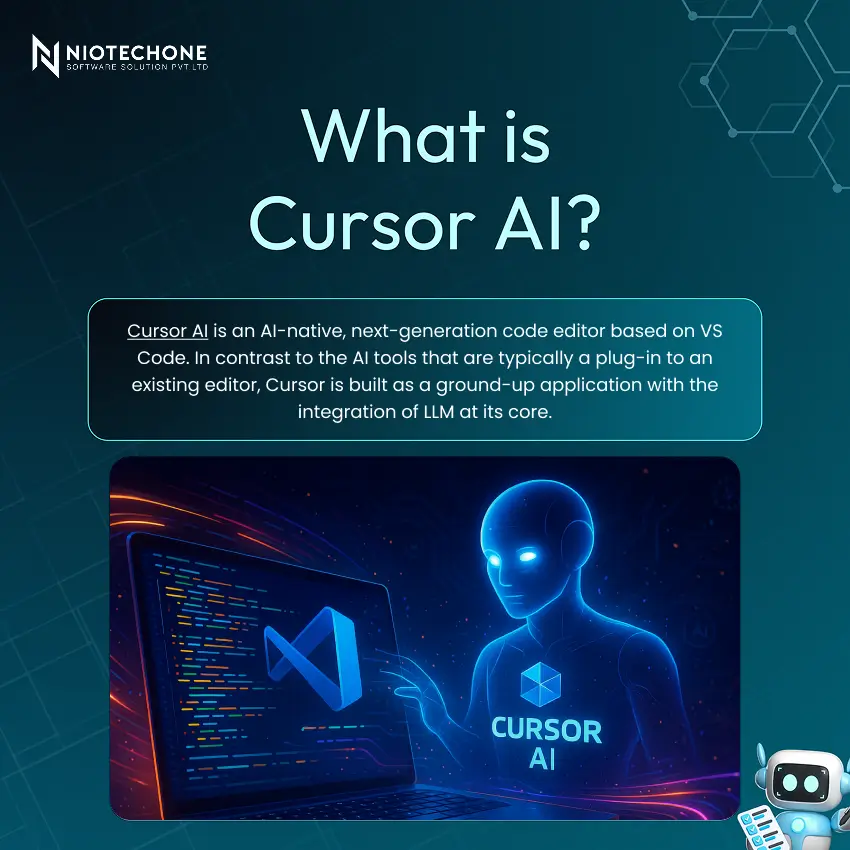
What is different about it:
- Ship Faster — create boilerplate, classes, and complete features in seconds.
- Understand More — ask your codebase questions in plain English.
- Refactor Safely — AI-assisted refactorings with complete context knowledge.
Most importantly, Cursor understands your entire project — not just the file you’re currently editing. Cursor AI is aware of your structure, dependencies, and coding patterns as a whole.
Why Cursor AI for C#.NET Developers?
C#.NET is characterized by a lot of boilerplate on each layer. It eliminates that friction:
- Faster Debugging — AI identifies root causes and proposes solutions in real-time.
- Smart Code Generation — scaffold controllers, services, and repositories on demand.
- Intelligent Refactoring — modernize legacy .NET code with a single prompt.
For .NET developers specifically, this means less time writing repetitive setup code and more time solving real engineering problems.
Key Features
Feature | What It Does |
AI Code Completion | Context-aware multi-line suggestions — far beyond IntelliSense |
Code Explanation | Highlight any snippet and get a plain-English explanation |
Refactoring Support | Describe the outcome: AI restructures code cleanly and safely |
Chat with Codebase | Ask “Where is the auth middleware configured?” and get precise answers |
Multi-File Understanding | Reasons across your entire solution for truly holistic suggestions |
Setting Up Cursor AI in Under 5 Minutes
It is easy to start with – Cursor will automatically inherit your existing VS Code extensions and settings:
- Download Cursor — install the editor from cursor.sh
- Open Your C# Solution — open your existing project or start fresh
- Install C# & .NET Extensions — same as your VS Code setup
- Configure AI & Keys — connect your API key or use Cursor’s built-in subscription
Configuration Tips:
- API Key — connect your OpenAI or Anthropic key, or use Cursor’s built-in model subscription
- .cursorrules — add a .cursorrules file at the project root to define C# coding conventions and style preferences
Shortcuts — use Ctrl+K for inline edits and Ctrl+L to open the AI chat panel
Writing C# Code with Cursor AI
Generate a Web API Controller Instantly
Simply tell us what you require in the chat box:
Prompt: “Create a RESTful ASP.NET Core Web API controller for a Product entity with full CRUD endpoints, validation attributes, and dependency-injected IProductService.”
It basically creates the entire controller – route attributes, action methods, error handling, and IActionResult return types – in seconds.
What you get automatically:
- Class scaffolding with proper namespace and using statements
- Action methods — GET, POST, PUT, DELETE with correct HTTP attributes
- Model validation via ModelState and data annotations
- Auto-complete as you type — accept with Tab.
Debugging & Refactoring
Identify Bugs Instantly
Copy a failing method or stack trace into the chat. Cursor describes the root cause and suggests a fixed implementation – no StackOverflow needed.
Modernize Legacy C# Code
Request Cursor to automatically upgrade old patterns:
- HttpWebRequest → HttpClient
- Callback-based → async/await
- Adopt nullable reference types throughout
Performance & Readability
Cursor proposes LINQ optimizations, minimizes cyclomatic complexity, and uses SOLID principles – enhancing runtime performance and long-term maintainability.
Real Use Case: Build an ASP.NET Core API from Scratch
Additionally, you can create a Cursor AI zero-to-full-functioning CRUD API in minutes with a simple prompt sequence:
Step | Task |
1. Scaffold the Entity | Define Product model with EF Core annotations |
2. Generate the DbContext | Including migrations and connection string config |
3. Create CRUD Endpoints | Full controller with async repository pattern |
4. Explain the Code | Ask Cursor to document and walk through each method |
Conclusion
This AI platform gives C#.NET developers a real, quantifiable productivity advantage. It eliminates the most time-intensive aspects of. by integrating the familiarity of VS Code with extensive, project-wide AI intelligence, .NET development – boilerplate scaffolding, debugging, and modernization of legacy code.
The future of .NET development is AI-assisted — and with Cursor, it starts today.
Categories
Related Articles

Related Tags
Frequently Asked Questions FAQs
Cursor has deeper project-wide context awareness, a built-in chat panel for codebase questions, and multi-file reasoning — making it more powerful for complex solutions.
Yes. Cursor handles C#.NET-specific patterns excellently — including ASP.NET Core controllers, Entity Framework, dependency injection, async/await, LINQ, and more.
Most developers are up and running in under 5 minutes. Cursor inherits your existing VS Code extensions and settings automatically, so there's virtually no configuration overhead.
Yes. Cursor is built on the VS Code foundation, so your existing extensions, themes, keybindings, and settings carry over automatically.
Cursor supports multiple models — you can connect your own OpenAI or Anthropic API key, or use Cursor's built-in model subscription, which includes access to GPT-4 and Claude-class models.










